Start
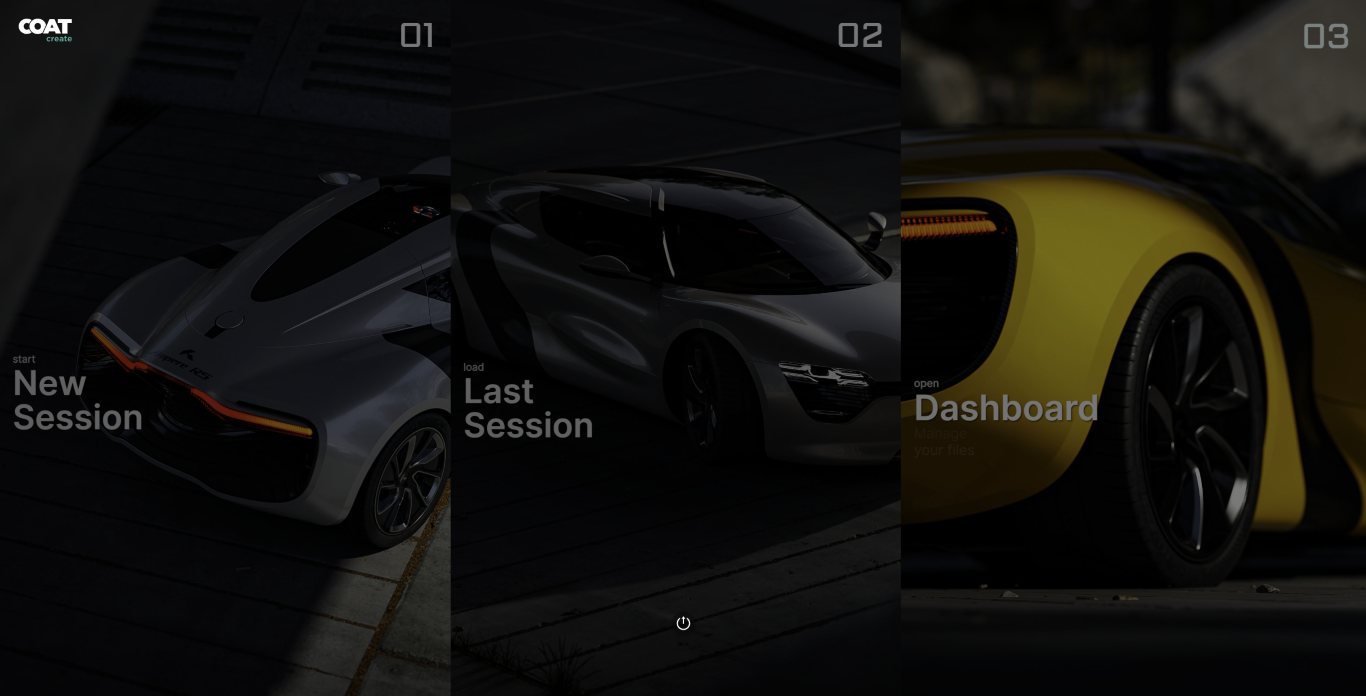
After logging in you will be presented with 3 options:
- New Session
- Last Session
- Dashboard
New Session
The new session option allows you to create a new workspace or open a previous workspace in which a new session consisting of a vehicle and environment of your choosing will be launched.
Last Session
This will re-open your most recent session of COATcreate.
Dashboard
This will open your Dashboard. The Dashboard is where you can work with workspaces states and renders.
Notifications and User Menu
On the right hand side of the top bar, there are notifications and the user menu

Notifications are messages about updates to COATcreate, new feature and updates to any current issues.
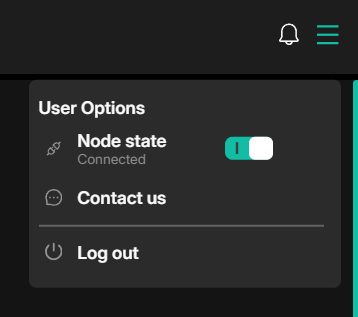
The user menu shows the status of your connection, where you can disconnect.
Contact us allows you to send messages to support.
Logout, logs out of your current session.