Favorites
The Favorties menu is located in the right side tool bar, it's icon is a star. The Favorties menu is a place to dock tools that you use often to speed up navigating the interface.
To add a menu to favorites
Click on the gray outlined star graphic at the beginning of it's title, it's color will change to teal indicating that it has been added to the Favorites menu. In this instance, Camera Settings has been added to Favorites
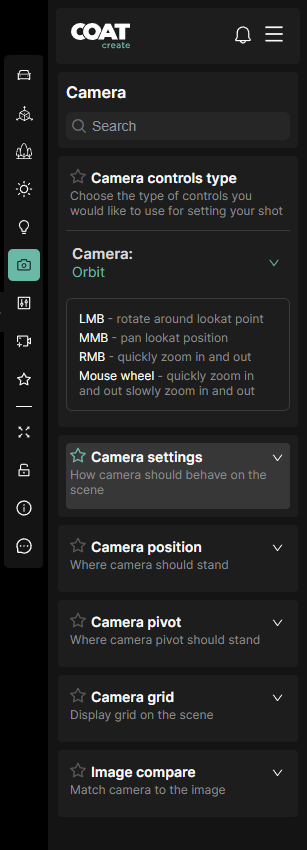
Camera Settings has been added to Favorites. Camera Settings still reside in their original location as well as being added to Favorties.
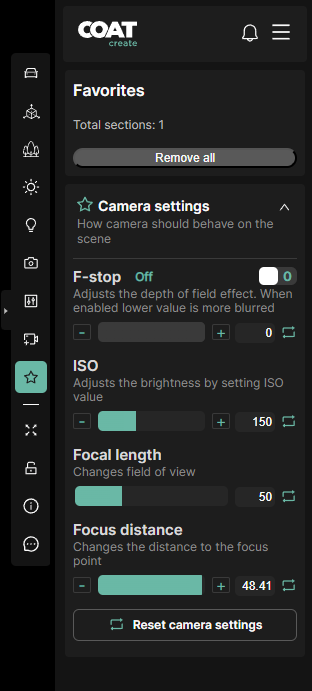
To remove a Favorite
Simply click the teal star graphic again, that item will be removed from Favorites but will remain in the main interface as normal.